
Vertical film, from one topic
Sixty seconds
should not take
an afternoon.
Mindframe Studio writes the script, narrates it, assembles the visuals and the soundtrack, then publishes the finished video straight to your own TikTok account — or hands it to you as a draft to finish yourself. You review every video and approve every post, now or at a time you pick.
- Beta
- Free to use
- You
- Press publish
- Art
- Public domain
- Score
- Original
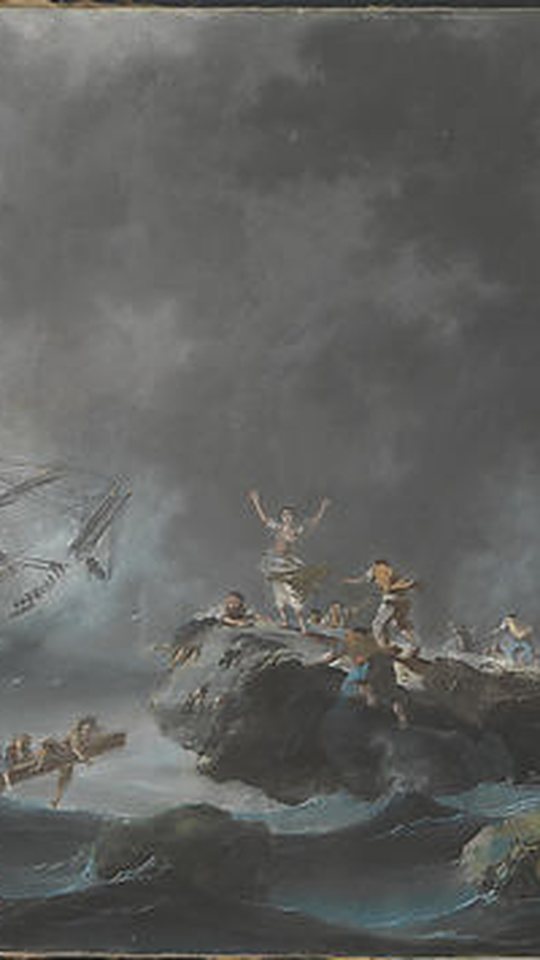
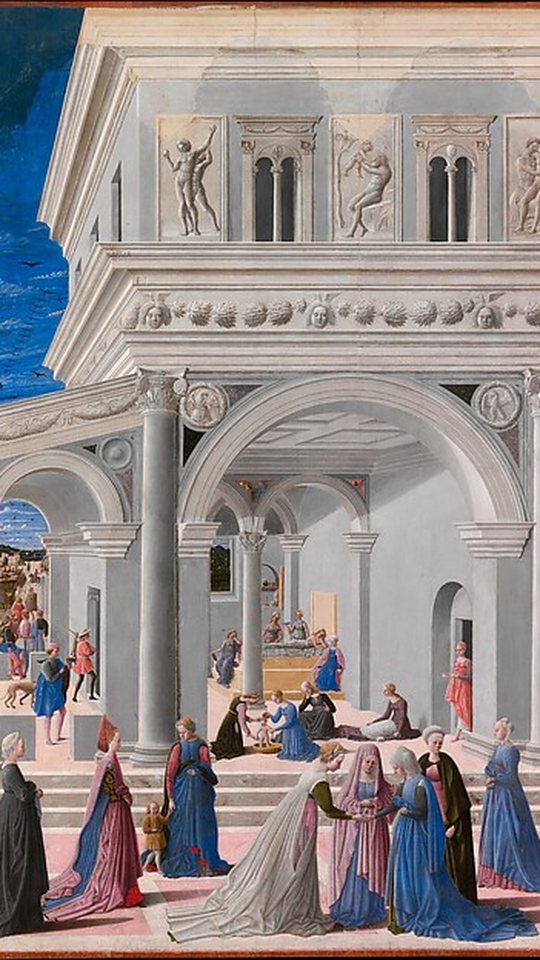
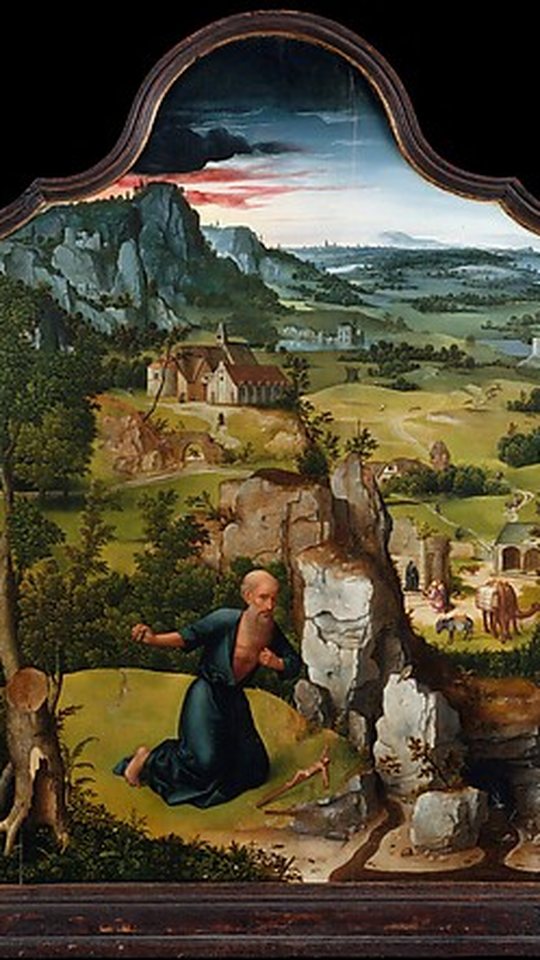

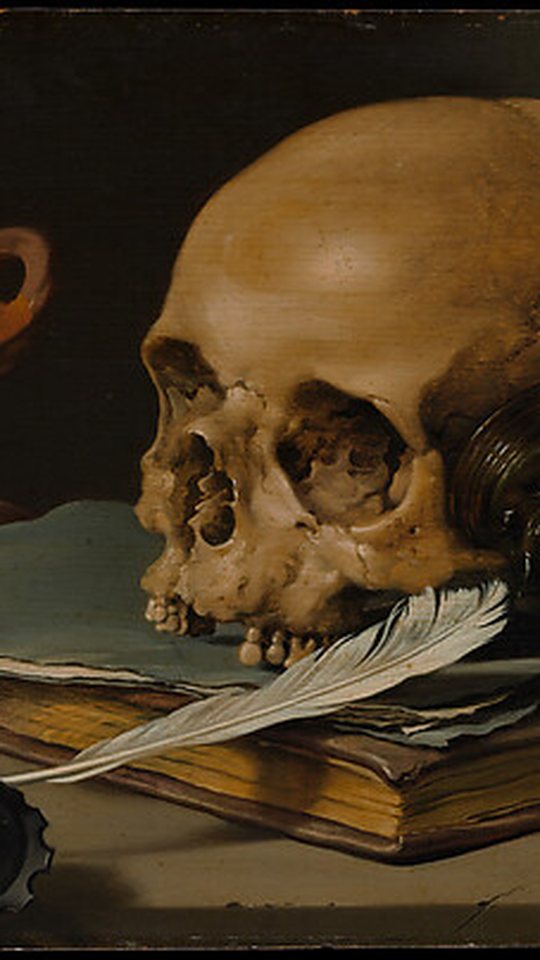
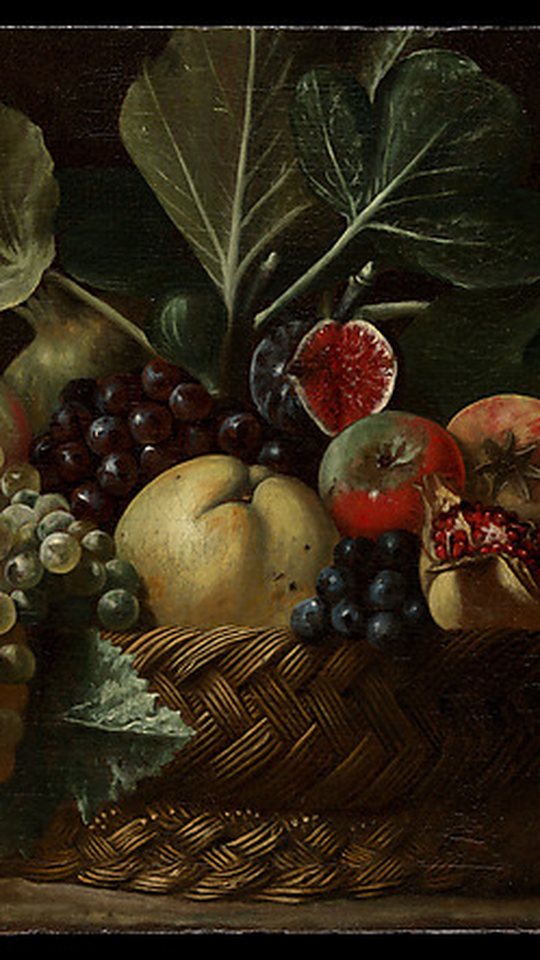
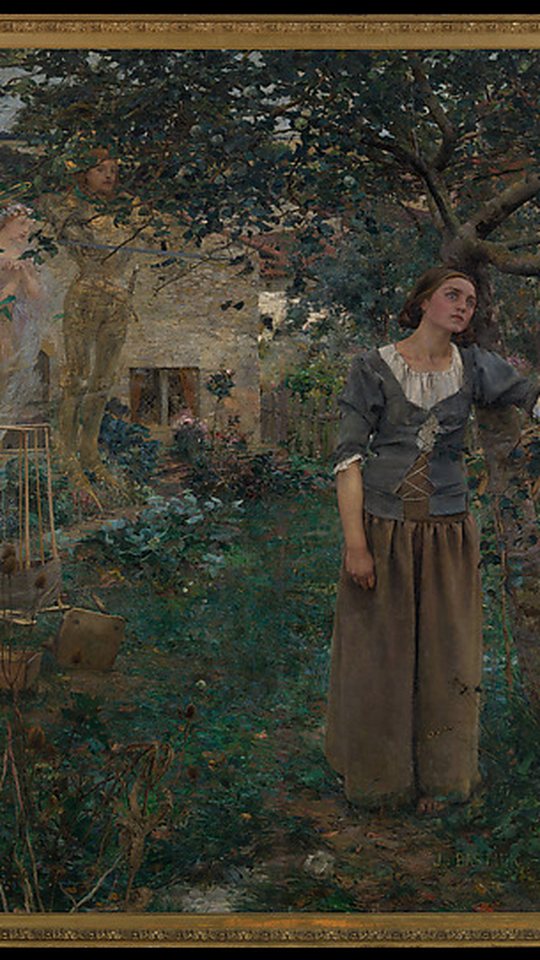

Preview artwork: The Met Open Access · CC0
Why creators use it
Making one short video means writing a script, recording narration, finding footage you are allowed to use, scoring it, timing captions to the voice, and finally exporting and uploading it. That is an afternoon of work for sixty seconds of video. Mindframe Studio compresses that into a few taps, and leaves the decisions that matter — what to say, what to publish — with you.
Written for you
Give it a topic and it drafts a script shaped for vertical video: a hook in the first three seconds, then six tight beats.
Narrated automatically
The script becomes natural narration, and captions appear word by word in time with the voice — no manual subtitle timing.
Visuals cleared for use
Artwork comes from public-domain and CC0 museum collections, so your video does not carry someone else's copyright.
An original score
Each video gets music composed for it, not a licensed track — nothing to clear, nothing to take down later.
Your own footage too
Upload a video from your phone or computer and use Studio to write the post caption, choose the settings and publish it.
Nothing posts without your approval
You choose the audience, the caption and the interaction settings for every video. Schedule it for later and it goes out with exactly those settings — nothing is generated or changed after you approve it.
From idea to published in four steps
- Connect your TikTok account
You authorise Mindframe Studio on TikTok's own consent screen and decide what it may do. You can disconnect at any time.
- Pick a topic — or upload your own video
Script, narration, artwork and music are generated for you, or you bring a finished video and skip straight to publishing.
- Review it
Watch the result in the browser, edit the caption, choose who can see it and whether comments, Duet and Stitch are allowed.
- Publish or save as a draft
Post directly to your account, or send it to your TikTok drafts and finish it in the TikTok app.
Questions people ask first
Does it post without me?
No. Publishing always requires you to press the button in Studio. There is no background posting.
Can it read my TikTok feed or other people's videos?
No. It requests only the permissions it needs to show which account you are connected as and to publish videos you create. It never reads anyone's content.
What does it cost?
Mindframe Studio is free while it is in beta. See Pricing.
Try it with one video
Connect your account, make something, and decide afterwards whether to publish it. Nothing leaves Studio until you say so.
Open Studio